Nothing here yet. Add a playlist below, and press ⭐ Curate on a fetched playlist.
Add a Playlist or Show a Channel
Paste a playlist link or ID to add it to your curated list, or an @handle to show that channel's playlists.
Saved channel searches
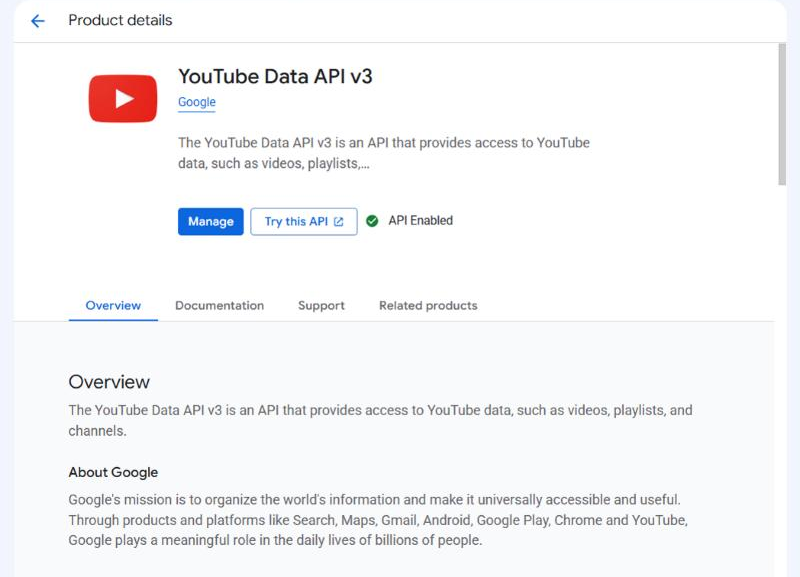
How to get your own free YouTube Data API key (needed to list a user's playlists)
This page needs a YouTube Data API key to look up a channel's public playlists. The key is free, takes about 5 minutes, and you only do it once. Keep it private: it is saved only in this browser (never uploaded) and is tied to your Google account's quota.
Open Google Cloud Console and sign in with any Google account. Accept the terms if asked.
Click the project picker at the top (it may say "Select a project"), choose New Project, name it anything (for example "WorldWide Player") and click Create. Make sure the new project is selected.
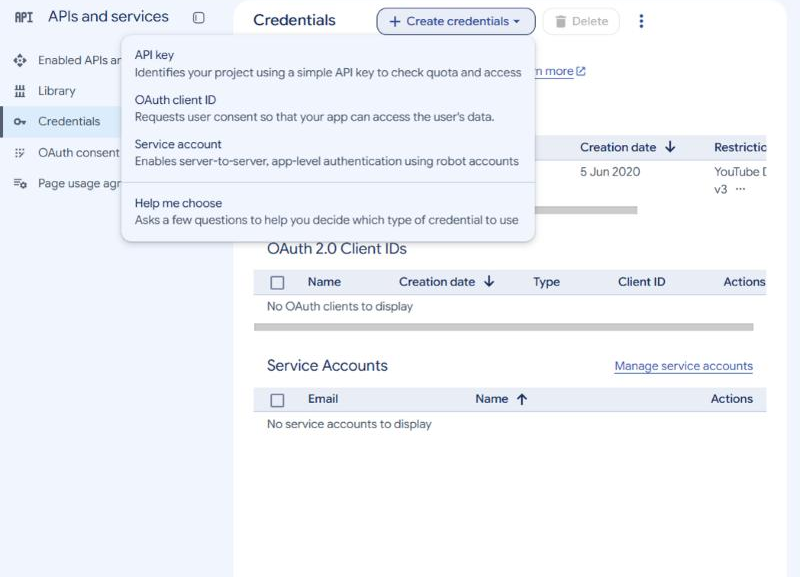
Open Credentials, click Create credentials, then API key. Copy the key (it starts with AIza, 39 characters). Example only, not a working key: AIzaSyA1b2C3d4E5f6G7h8I9j0K1l2M3n4O5p6Q.Show screenshot
Strongly advised: in the key's settings, under API restrictions choose YouTube Data API v3, and under Application restrictions choose Websites and add https://wwplayer.veejeay.com/*. Then nobody else can use your key elsewhere.
Paste the key into the key box above and press Show playlists. If you see "quota exceeded", your project has no free quota: create a new project (step 2) and a new key.
Free limit: 10,000 units per day. Listing a channel's playlists costs about 2 units, so this is plenty.
 WorldWide Playerbeta